Starter Templates
We created a few starter templates to help you get started with Wasp. Check out the list below.
Using a Template
Run wasp new to run the interactive mode for creating a new Wasp project.
It will ask you for the project name, and then for the template to use:
$ wasp new
Enter the project name (e.g. my-project) ▸ MyFirstProject
Choose a starter template
[1] basic (default)
    A basic starter template designed to help you get up and running quickly. It features examples covering the most common use cases.
[2] minimal
    A minimal starter template that features just a single page.
[3] saas
    Everything a SaaS needs! Comes with Auth, ChatGPT API, Tailwind, Stripe payments and more. Check out https://opensaas.sh/ for more details.
[4] ai-generated
    🤖 Describe an app in a couple of sentences and have Wasp AI generate initial code for you. (experimental)
 ▸ 1

🐝 --- Creating your project from the "basic" template... -------------------------

Created new Wasp app in ./MyFirstProject directory!

To run your new app, do:
    cd MyFirstProject
    wasp db migrate-dev
    wasp start
Available Templates
When you have a good idea for a new product, you don't want to waste your time on setting up common things like authentication, database, etc. That's why we created a few starter templates to help you get started with Wasp.
Basic Template
A basic starter template designed to help you get up and running quickly. It features examples covering the most common use cases.
Use this template:
wasp new <project-name> -t basic
Or simply run wasp new and select it from the list (it's the default).
Minimal Template
A minimal starter template that features just a single page. Perfect for when you want to start from scratch with minimal setup.
Use this template:
wasp new <project-name> -t minimal
OpenSaaS.sh Template
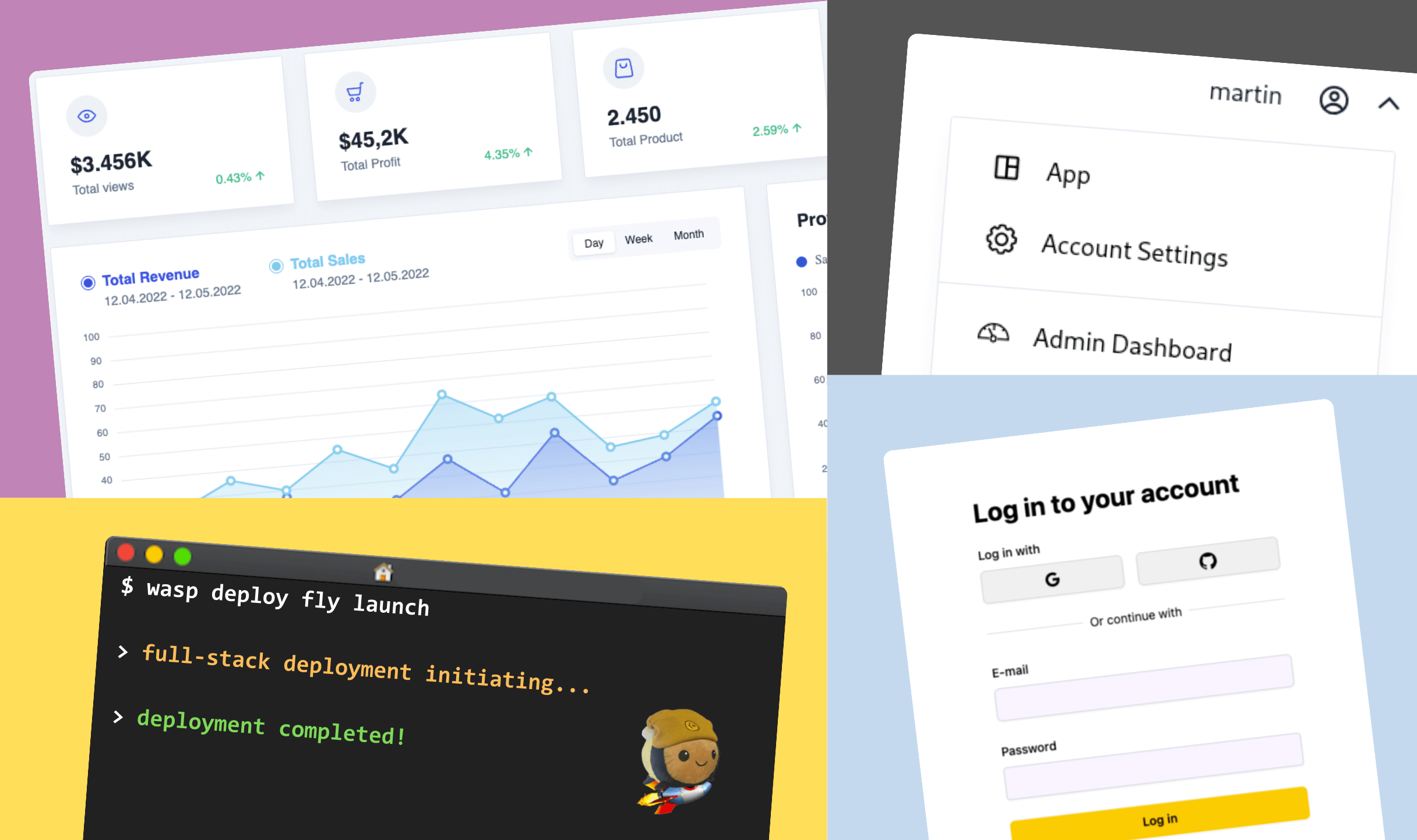
Everything a SaaS needs! Comes with Auth, ChatGPT API, Tailwind, Stripe payments and more. Check out https://opensaas.sh/ for more details.
Features: Stripe Payments, OpenAI GPT API, Google Auth, SendGrid, Tailwind, & Cron Jobs
Use this template:
wasp new <project-name> -t saas
AI Generated Starter 🤖
Using the same tech as used on https://usemage.ai/, Wasp generates your custom starter template based on your project description. It will automatically generate your data model, auth, queries, actions and React pages.
You will need to provide your own OpenAI API key to be able to use this template.
Features: Generated using OpenAI's GPT models, Auth (username/password), Queries, Actions, Pages, Full-stack Type Safety
Use this template:
wasp new <project-name> -t ai-generated